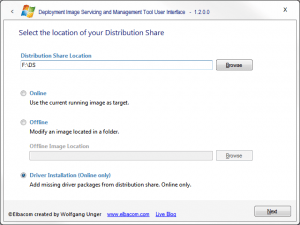
The DISMUI Tool now supports adding device drivers for all devices which can be found in the distribution share.
To add drivers please specify the distribution share and check “Driver Installation (Online only)”.
- Click Next
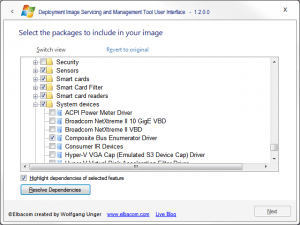
- DISMUI will then enumerate all devices and will search for drivers in the distribution share.
All found drivers will be checked automatically. Please note that it will also add the drivers from the distribution share if there is already a driver installed.
- Click Resolve Dependencies
- Click Next
- Click Next