Windows Deployment Tool
Create and deploy master images easily
Your IoT/Embedded Channel Partner & more
Installation - Deployment - Recovery - Servicing - Update
The Elbacom Embedded Toolkit covers every stage of your Windows Embedded project — from the very first installation all the way through to master image deployment, servicing, and customer recovery support.
Instead of juggling multiple disconnected tools, you get a fully integrated solution designed around real-world embedded workflows:
Create and deploy master images easily
Create customized recovery media
Guide users through recovery experience
Create bootable recovery media
Image servicing tool for componentized Windows Embedded versions (WES7, WE8S, POSReady 7) — also supports feature editing on newer versions
Build images offline on your development machine
Install Windows Embedded directly on target devices
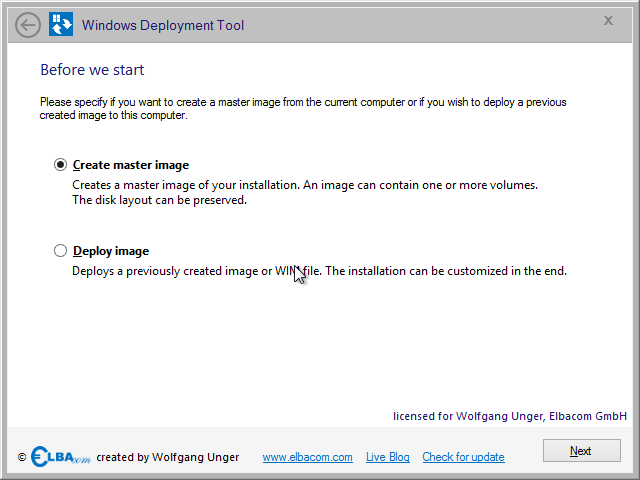
The Windows Deployment Tool allows to create master images very easy. An easy wizard guides through the complete capture process. It also allows to store multiple images within the same image file.
Once you have created the image you can also use Windows Deployment Tool to apply the image to another device. The wizard will guide you through the easy process.
Windows Deployment Tool will also store the original disk layout and can restore this automatically on your target device.
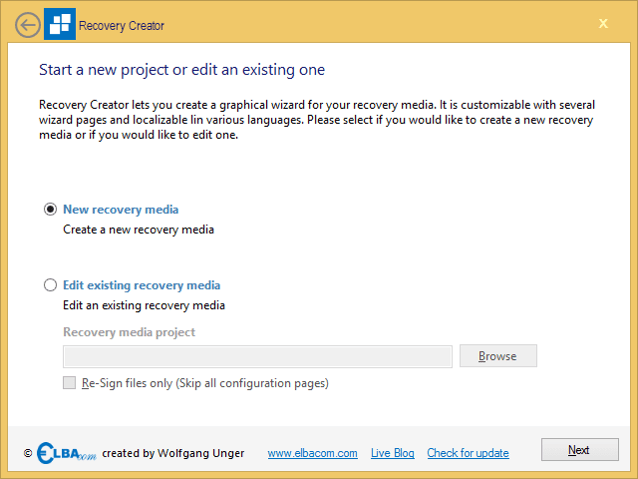
Recovery Creator allows you to create your customized recovery media within a few minutes. It allows to easily restore your own recovery image while the Recovery Wizard, that is running on the customers target will show your logos, your texts, etc.!
It supports restoring images in the WIM file format, and also images created by the Windows Deployment Tool.
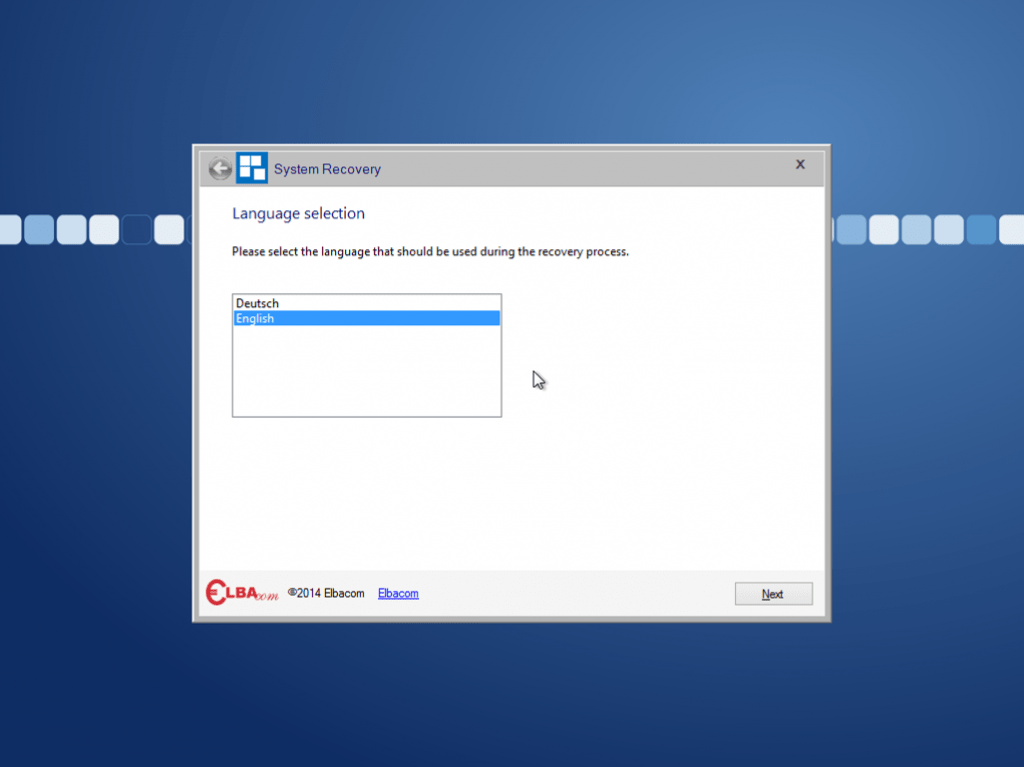
The Recovery Wizard guides the user through his recovery experience. It is fully customizable and can be configured by the Recovery Creator.
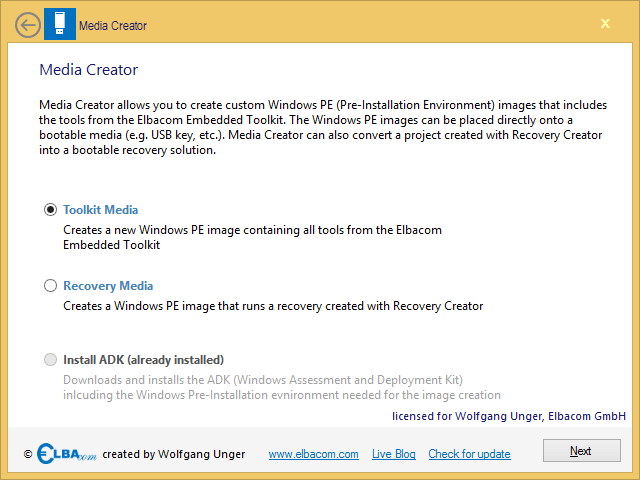
Media Creator allows you to create a recovery media out of your Recovery Creator projects. It suppors creating ISO files that can be burned to a DVD/CD or to create a bootable flash media.
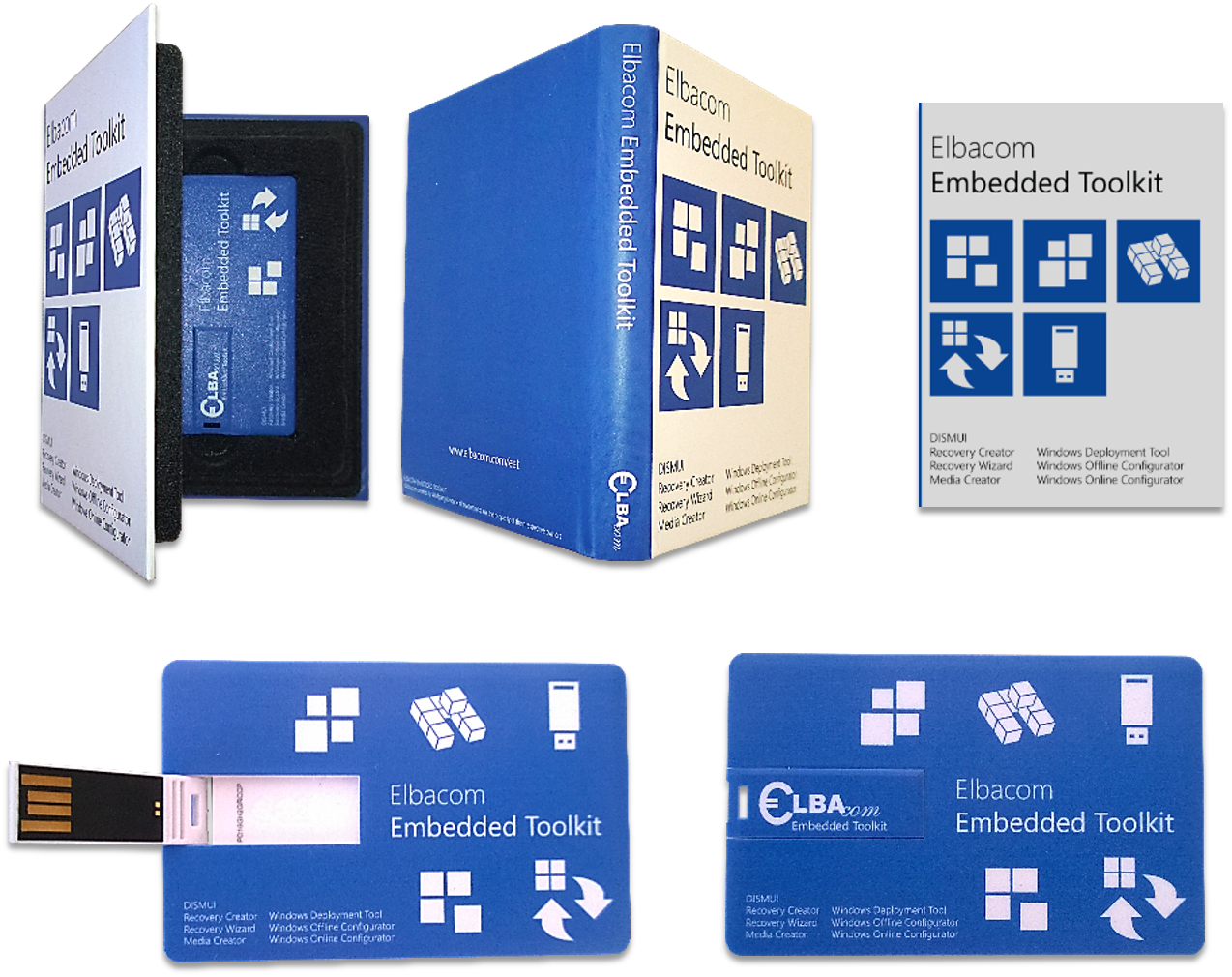
It also allows to put the Elbacom Embedded Toolkit to a new media (USB & DVD). Also it will automatically install all prequisits, such as the Windows Assessment and Deployment Kit.
The following tools are designed for older Windows Embedded platforms, specifically Windows Embedded Standard 7 and Windows Embedded 8 Standard. They remain available as part of the toolkit for customers maintaining legacy systems.
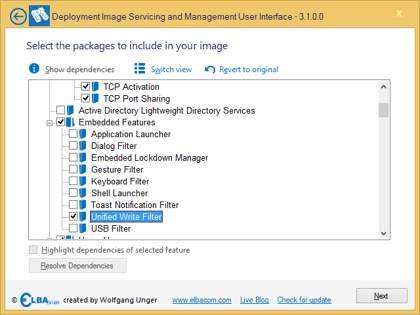
DISMUI was primarily developed for the componentized editions of Windows Embedded — Windows Embedded Standard 7 (WES7), Windows Embedded 8 Standard (WE8S), and Windows Embedded POSReady 7. These operating systems are built from individual feature packages and modules, and DISMUI provides a graphical interface to add or remove them without using the DISM.exe command line.
DISMUI also allows editing features and packages on newer versions such as Windows Embedded 8.1 Industry Pro and Windows 10 IoT Enterprise, though the primary development focus remains on the componentized versions.
A dependency check ensures that all required components are selected automatically.
Windows Offline Configurator allows you to build your Windows Embedded images offline on your development machine.
Supports:
Older versions such as Windows 10 IoT Enterprise SAC, Windows 10 IoT Enterprise 2016 LTSB, Windows 10 IoT Enterprise 2015 LTSB, Windows Embedded 8.1 Industry Pro, Windows Embedded 8 Standard, Windows Embedded POSReady 7, and Windows Embedded Standard 7 may still work but are no longer actively tested or officially supported.
The tool also enables you to fully customize your Windows Embedded 8.1 Industry Pro and Windows Embedded POSReady 7 image prior the installation!
Additionally you can already configure the Out-of-Box-Experience so the resulting image is ready to use without additional configuration!
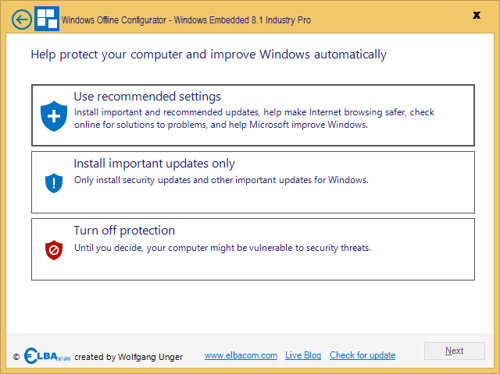
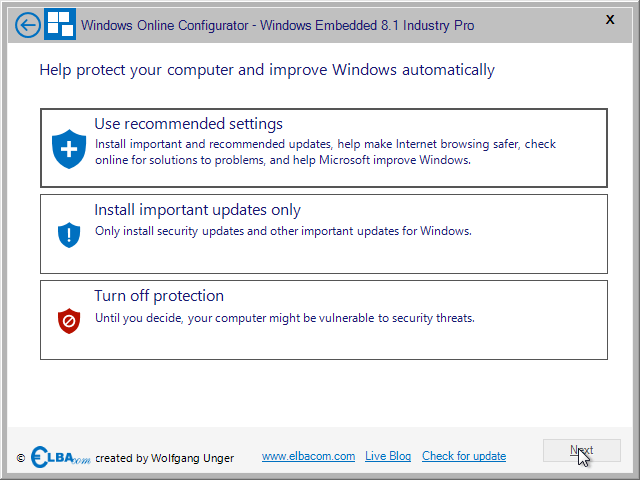
Windows Online Configurator is a powerful setup replacement that can install Windows Embedded directly on your target device.
Supports:
Older versions such as Windows 10 IoT Enterprise SAC, Windows 10 IoT Enterprise 2016 LTSB, Windows 10 IoT Enterprise 2015 LTSB, Windows Embedded 8.1 Industry Pro, Windows Embedded 8 Standard, Windows Embedded POSReady 7, and Windows Embedded Standard 7 may still work but are no longer actively tested or officially supported.
The tool also enables you to fully customize your Windows Embedded 8.1 Industry Pro and Windows Embedded POSReady 7 image prior the installation! Additionally you can already configure the Out-of-Box-Experience so the resulting image is ready to use without additional configuration!
The Elbacom Embedded Toolkit is available for licensed customers and for evaluation. Please contact us for pricing and licensing information, or request a free evaluation version to test the latest release in your environment.